
Loading
 ← Back to blogs
Learn what Meta Pixel is, how it works, how to install it, track conversions, create Custom Audiences, and optimize Facebook and Instagram Ads.
If you're running Facebook or Instagram Ads, one of the most important tools you can use is Meta Pixel. It helps you understand what visitors do after clicking your ads, allowing you to measure results, optimize campaigns, and improve your return on investment (ROI).
Without Meta Pixel, it's difficult to know which ads are generating leads, sales, or other valuable actions. By tracking user behavior on your website, Meta Pixel provides the data needed to make smarter advertising decisions.
In this guide, you'll learn what Meta Pixel is, how it works, why it's important, how to install it, and best practices for using it effectively.
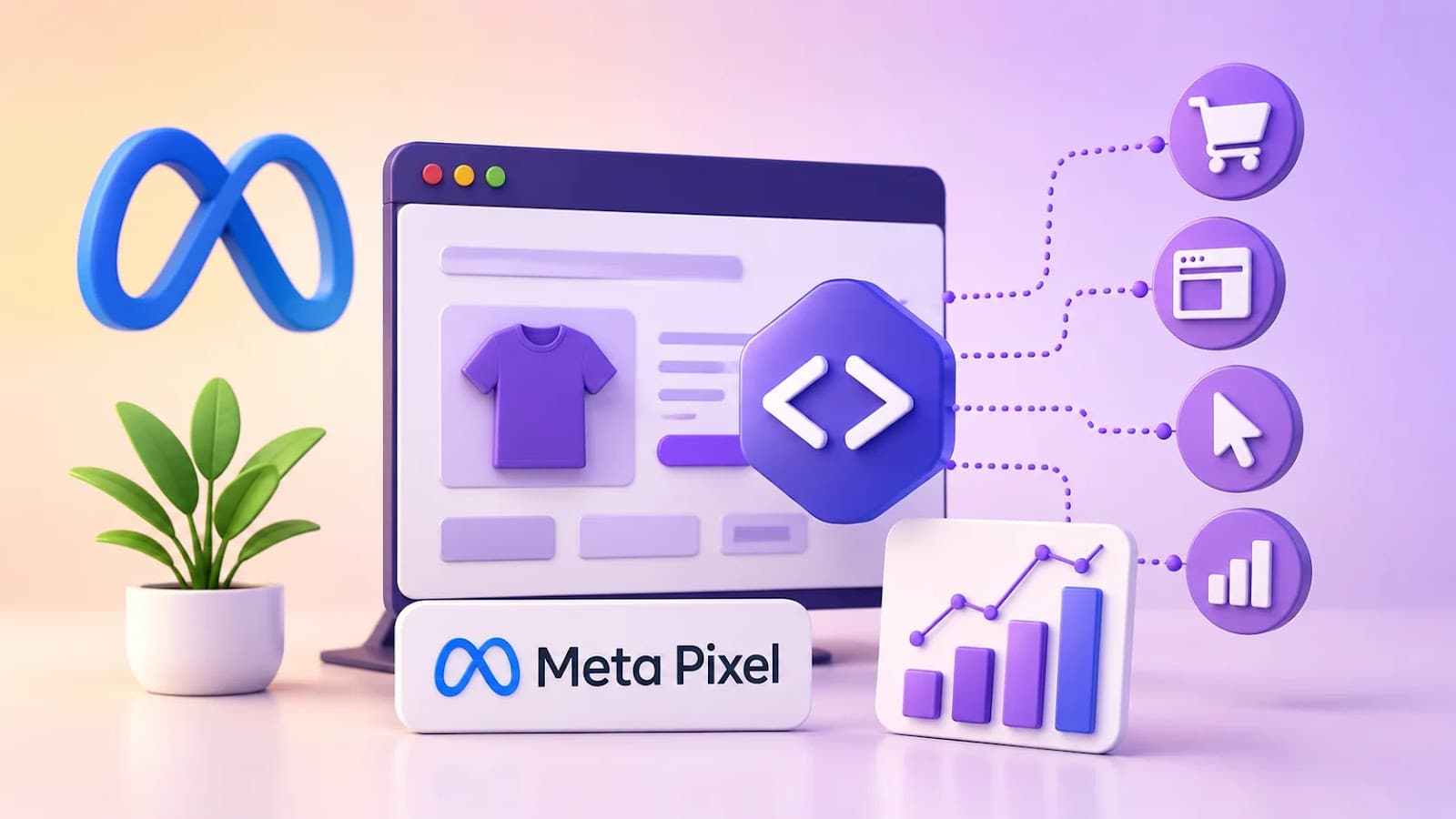
Meta Pixel is a small piece of JavaScript code provided by Meta (Facebook) that you install on your website.
It tracks visitor actions after they interact with your Facebook or Instagram Ads.
Meta Pixel helps advertisers:
Meta Pixel helps answer questions like:
Without tracking, it's difficult to accurately measure campaign success.
The process is simple:
This tracking allows Meta's AI to improve ad delivery over time.
Meta Pixel can monitor many website actions, including:
Tracking these actions provides valuable performance insights.
Meta offers predefined events that are easy to implement.
Common Standard Events include:
Tracks every page visit.
Tracks when users view a product or important page.
Tracks searches performed on your website.
Records when a product is added to the shopping cart.
Tracks when users begin the checkout process.
Tracks completed purchases.
Records successful lead submissions.
Tracks completed registrations or sign-ups.
Tracks contact-related actions.
Using Standard Events helps Meta optimize campaigns more effectively.
If Standard Events don't meet your needs, you can create Custom Events.
Examples include:
Custom Events allow businesses to track unique user interactions.
Installing Meta Pixel offers several advantages:
Pixel data becomes more valuable as it collects more information over time.
Meta Pixel enables you to create audiences based on website activity.
Examples:
These audiences are ideal for remarketing campaigns.
After collecting enough data, Meta can create Lookalike Audiences.
These audiences consist of people who share characteristics with your existing customers.
This helps advertisers reach potential customers who are more likely to convert.
Meta Pixel tracks valuable business actions such as:
Accurate conversion tracking helps you understand which campaigns are producing results.
Create a Meta Business Account.
Open Events Manager.
Create a new Pixel.
Give your Pixel a descriptive name.
Connect your website.
Install the Pixel code.
You can install it:
Verify that the Pixel is working correctly.
Many businesses install Meta Pixel using Google Tag Manager (GTM).
Benefits include:
GTM is especially useful for websites with multiple tracking scripts.
To get the best results:
Consistent tracking leads to better optimization.
Avoid these mistakes:
Correct implementation ensures reliable reporting.
Meta Pixel | Google Analytics 4 |
Measures Meta ad performance | Measures overall website analytics |
Optimizes Facebook & Instagram Ads | Analyzes traffic from multiple channels |
Creates Custom Audiences | Tracks user behavior and engagement |
Builds Lookalike Audiences | Provides detailed website reports |
Focuses on advertising optimization | Focuses on business insights |
Using both tools together gives a more complete understanding of website performance.
Meta Pixel | Google Tag Manager |
Tracks Meta advertising data | Manages multiple tracking tags |
Sends data to Meta | Deploys and controls tracking scripts |
Optimizes Meta campaigns | Simplifies tag implementation |
Used for advertising optimization | Used for tag management |
Google Tag Manager often acts as the deployment method, while Meta Pixel performs the tracking.
✔ Install Meta Pixel
✔ Verify Pixel functionality
✔ Track Standard Events
✔ Add Custom Events when needed
✔ Track conversions
✔ Create Custom Audiences
✔ Build Lookalike Audiences
✔ Test events regularly
✔ Monitor campaign reports
✔ Optimize campaigns using Pixel data
Useful tools include:
These tools help implement, verify, and optimize your tracking setup.
Meta Pixel is a JavaScript code snippet that tracks visitor actions on your website after they interact with your Facebook or Instagram Ads.
Yes. Meta Pixel is free to create and install. You only pay for the advertising campaigns you run.
Yes. Many website builders and content management systems offer integrations or plugins that allow you to install Meta Pixel without manually editing code. Google Tag Manager is another popular option.
Meta Pixel focuses on tracking and optimizing Meta advertising campaigns, while Google Analytics provides broader insights into website traffic, user behavior, and performance across multiple marketing channels.
If you plan to advertise on Facebook or Instagram, installing Meta Pixel before launching campaigns is highly recommended so you can collect valuable data and optimize future ads.
Meta Pixel is one of the most valuable tools for businesses using Facebook and Instagram advertising. It enables accurate conversion tracking, provides insights into customer behavior, and helps Meta's AI deliver ads to users who are more likely to take meaningful actions.
By installing Meta Pixel, tracking the right events, and regularly reviewing your data, you can improve campaign performance, create highly targeted audiences, and maximize your advertising return on investment. Combined with strong creatives and optimized landing pages, Meta Pixel becomes an essential part of a successful Meta Ads strategy.
Learn what Digital Marketing is, its types, benefits, career opportunities, AI trends, and why it's one of the most in-demand skills for students and professionals in 2026.

Discover the benefits of learning Digital Marketing after college, explore career opportunities, essential skills, freelancing, and how to build a successful Digital Marketing Career.
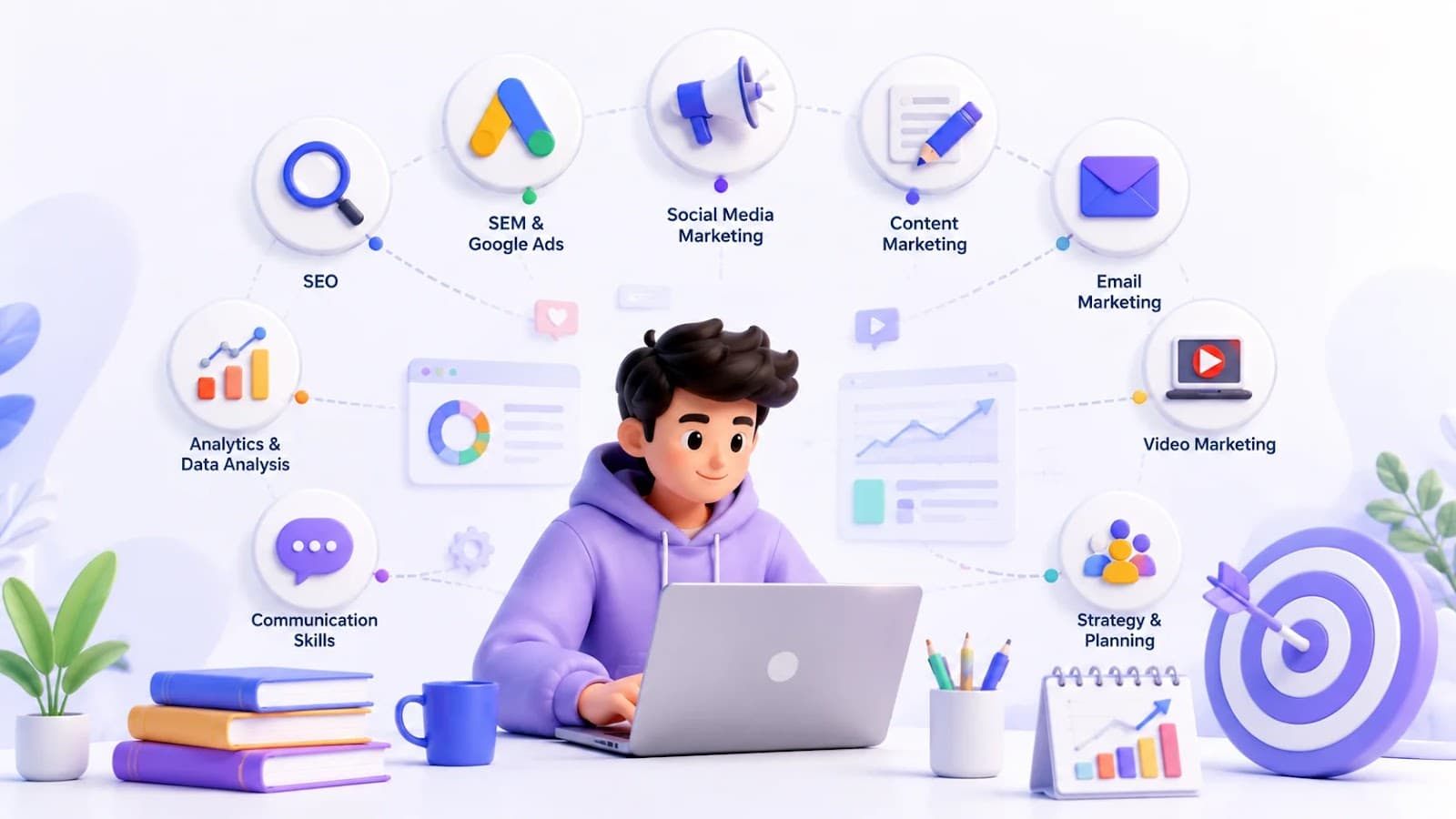
Explore the top 10 Digital Marketing Skills every student should master, from SEO and Google Ads to AI tools, to build a successful Marketing Skills portfolio and career.