
Loading
 ← Back to blogs
Learn Image SEO with this complete guide. Optimize images using WebP, alt text, compression, responsive design, and best practices to improve rankings.
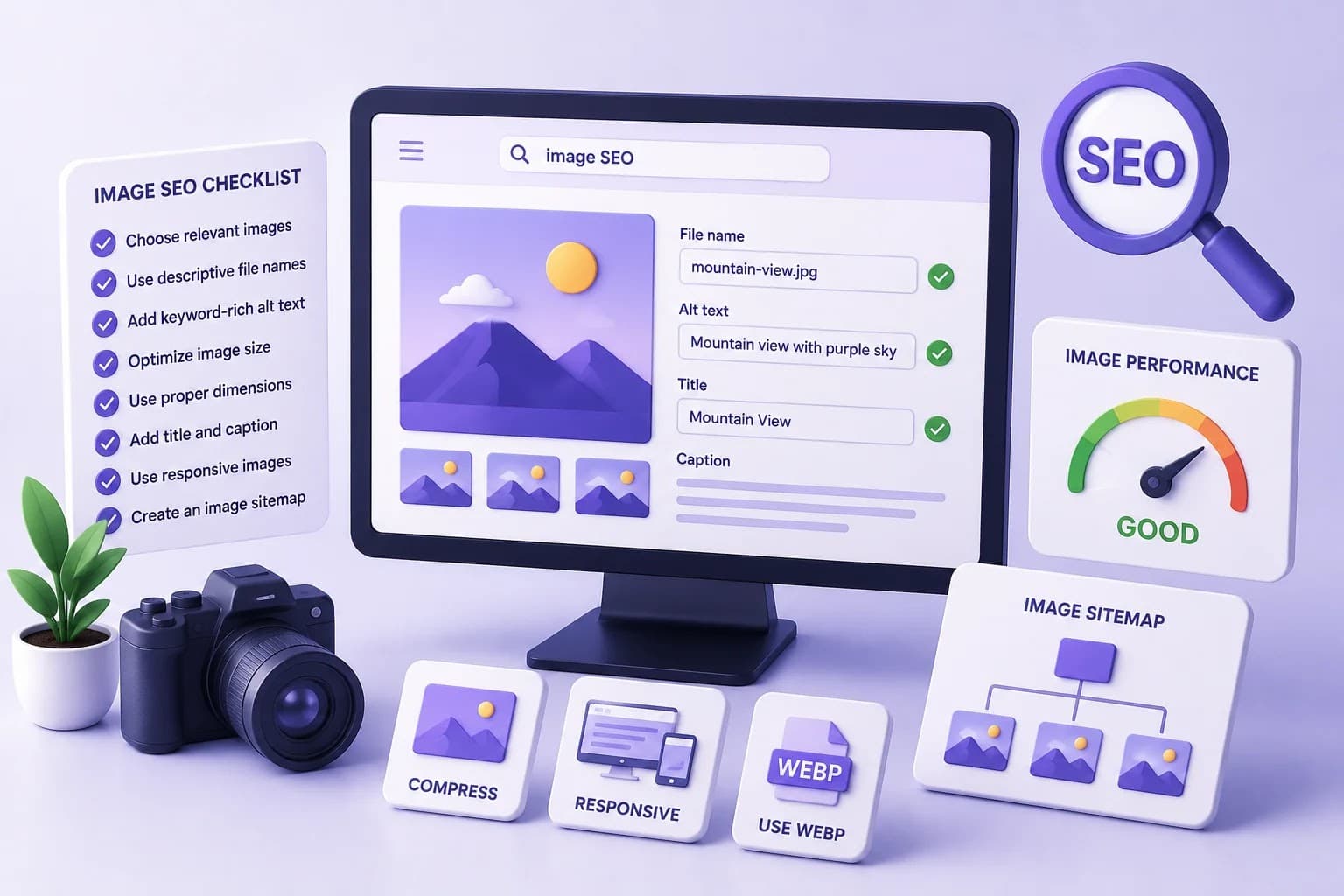
Images make websites more attractive, improve user engagement, and help explain content visually. However, if images are not optimized correctly, they can slow down your website, reduce search rankings, and miss opportunities to generate traffic from Google Images.
Image SEO is the process of optimizing images so search engines can understand, index, and rank them in search results. Proper image optimization improves website speed, accessibility, user experience, and overall SEO performance.
In this complete guide, you'll learn everything you need to know about Image SEO and how to optimize your images for better rankings in 2026.
Image SEO is the practice of optimizing images so that search engines can understand their content and display them in relevant search results.
Image SEO includes:
Optimized images help both users and search engines.
Search engines cannot fully understand an image the way humans do. They rely on text signals and technical information to determine what an image represents.
Image SEO helps:
Optimizing images provides several advantages:
Image optimization benefits both visitors and search engines.
Selecting the correct image format is one of the first steps in Image SEO.
Best for:
Advantages:
Best for:
Advantages:
Best for:
Advantages:
Best for:
Advantages:
Best for:
Advantages:
Large images slow down websites.
Always compress images before uploading.
Benefits:
Compression should reduce file size without noticeably affecting image quality.
Avoid uploading images much larger than necessary.
For example:
If your website displays an image at 1200 × 800 pixels, don't upload a 5000 × 3500 pixel image.
Use dimensions appropriate for where the image will appear.
Instead of generic filenames like:
IMG_1234.jpg
Use descriptive names such as:
technical-seo-guide.webp
Or:
digital-marketing-course-chennai.webp
Descriptive filenames help search engines understand the image.
Alt text (alternative text) describes an image for search engines and screen readers.
Good example:
Student learning digital marketing on a laptop during an online class.
Poor example:
image123
Best practices:
Captions provide additional context for users.
Example:
Caption:
Google Search Console Performance Report showing organic traffic growth.
Use captions only when they add value to the content.
Some content management systems allow image titles.
Keep titles descriptive.
Example:
Website Speed Optimization Dashboard
Avoid generic titles such as:
Image 1
Different devices require different image sizes.
Responsive images:
Most modern website frameworks and content management systems support responsive images automatically.
Lazy loading delays loading images until they appear on the user's screen.
Benefits:
This is especially useful for pages with many images.
An Image Sitemap helps search engines discover important images on your website.
It is particularly useful for:
Submit your sitemap through Google Search Console.
Schema Markup provides additional information about your content.
Depending on the page, you may use structured data such as:
When images are included in structured data, they may be more likely to appear in enhanced search results.
Most users browse on smartphones.
Images should:
Responsive design ensures images display properly on all devices.
Image optimization directly affects website speed.
Best practices:
Fast-loading pages improve both SEO and user satisfaction.
Whenever possible, create original images.
Examples include:
Original images make your content more valuable and unique.
To improve visibility in Google Images:
These practices help search engines understand and index your visuals.
Avoid these common mistakes:
Correcting these issues can improve both performance and visibility.
✔ Choose the right image format
✔ Compress images
✔ Resize images correctly
✔ Use descriptive filenames
✔ Write meaningful alt text
✔ Add captions when appropriate
✔ Enable lazy loading
✔ Use responsive images
✔ Create an Image Sitemap
✔ Add structured data where relevant
✔ Optimize for mobile devices
✔ Improve page speed
✔ Use original images
✔ Test image performance regularly
Here are some useful tools for optimizing images:
These tools help reduce image size, improve performance, and identify optimization opportunities.
Image SEO | Traditional SEO |
Optimizes images | Optimizes text content |
Improves Google Images visibility | Improves web page rankings |
Focuses on image speed | Focuses on keywords and content |
Uses alt text and filenames | Uses headings and metadata |
Supports accessibility | Supports content relevance |
Both approaches work together to improve overall website performance.
Image SEO is the process of optimizing images to improve search engine visibility, website speed, and user experience.
Image optimization contributes to better page performance, accessibility, and user experience, all of which support overall SEO efforts.
WebP and AVIF are widely recommended because they provide high image quality with smaller file sizes.
Alt text helps search engines understand an image and improves accessibility for users who rely on screen readers.
Most informative images should have descriptive alt text. Decorative images may not require it, depending on how they are implemented.
Image SEO is a key part of a successful SEO strategy. Optimized images not only improve website speed but also enhance accessibility, increase engagement, and create additional opportunities to attract visitors through image search.
By choosing modern image formats, compressing files, writing descriptive alt text, using responsive images, and following technical best practices, you can improve your website's performance and provide a better experience for both users and search engines.
As your website grows, regularly review and optimize your images to maintain strong performance and support long-term SEO success.

Learn what Digital Marketing is, its types, benefits, career opportunities, AI trends, and why it's one of the most in-demand skills for students and professionals in 2026.

Discover the benefits of learning Digital Marketing after college, explore career opportunities, essential skills, freelancing, and how to build a successful Digital Marketing Career.
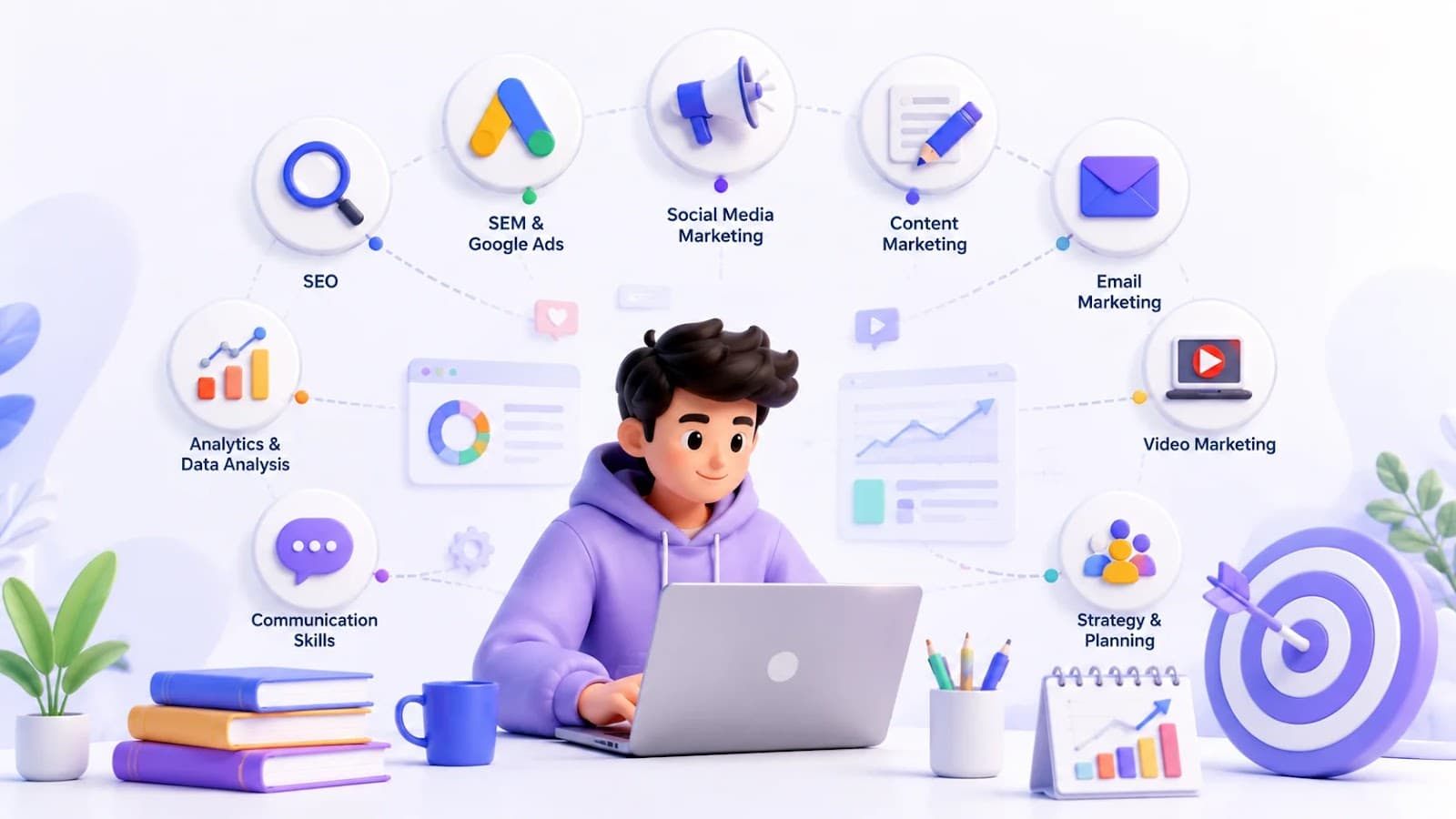
Explore the top 10 Digital Marketing Skills every student should master, from SEO and Google Ads to AI tools, to build a successful Marketing Skills portfolio and career.