
Loading
 ← Back to blogs
Learn how Google crawls websites, discovers pages, follows links, and indexes content. Improve crawlability with proven Technical SEO practices.
Have you ever wondered how your website appears on Google Search?
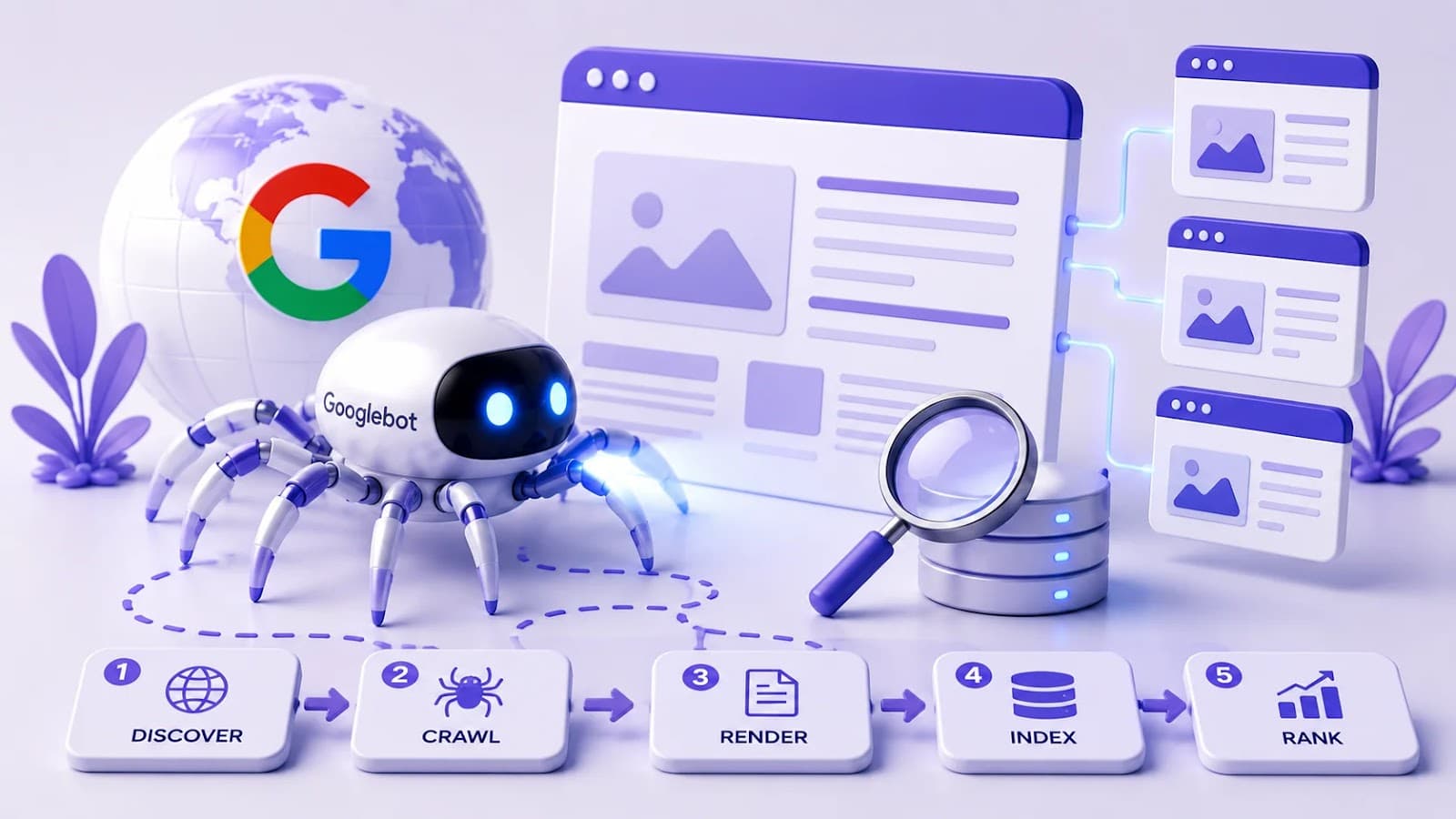
Before your website can rank on Google, it must go through three important stages:
The first step is crawling, where Google discovers your website and its pages. If Google cannot crawl your website properly, your pages may never appear in search results, no matter how good your content is.
In this guide, you'll learn how Google crawls websites, what affects crawling, common crawling issues, and how to optimize your website for better SEO.
Google crawling is the process where Google's automated programs, called Googlebot, visit websites to discover new and updated pages.
Googlebot continuously explores billions of web pages across the internet by following links from one page to another.
Whenever it finds new content, Google evaluates whether the page should be indexed and shown in search results.
Think of Googlebot as a digital librarian collecting information from websites around the world.
Without crawling:
Crawling is the first and most essential step in Search Engine Optimization (SEO).
Google follows a structured process when discovering websites.
Google finds pages through:
If Google doesn't know a page exists, it cannot crawl it.
Googlebot requests the page from your web server.
It downloads:
Google then analyzes the page content.
Google examines:
It also checks whether the content is useful, original, and accessible.
Googlebot follows links found on the page to discover additional pages.
This is why strong internal linking is so important.
If the page meets Google's quality requirements, it may be added to Google's search index.
Only indexed pages are eligible to appear in Google Search.
Googlebot is Google's web crawler.
Its job is to:
Googlebot regularly revisits websites to check for updates.
Google can discover new websites through:
Submitting a sitemap helps Google find important pages.
Example:
https://example.com/sitemap.xml
Well-connected pages are easier for Google to discover.
When another website links to yours, Google often follows that link.
You can request indexing for newly published pages.
Although social media links are not direct ranking factors, they can increase visibility and help search engines discover new content more quickly.
Google assigns every website a crawl budget.
A crawl budget is the number of pages Googlebot is willing to crawl during a certain period.
Large websites need efficient crawling so Google spends its crawl budget on important pages.
Factors affecting crawl budget include:
Fast websites are easier for Googlebot to crawl.
Improve speed by:
Pages without internal links are harder for Google to discover.
Every important page should be linked from other relevant pages.
A sitemap acts as a roadmap for search engines.
It helps Google locate:
Always keep your sitemap updated.
The Robots.txt file tells search engines which pages they can or cannot crawl.
Example:
User-agent: *
Disallow: /admin/
Allow: /
Sitemap: https://example.com/sitemap.xml
Incorrect settings can accidentally block important pages.
Secure websites are easier for Google to trust.
Always use:
instead of
Google primarily crawls the mobile version of your website.
Your website should:
Important pages may be accidentally blocked.
Review your Robots.txt configuration regularly.
Broken links lead Googlebot to non-existent pages.
Fix:
Duplicate pages waste crawl budget.
Use:
Slow loading pages reduce crawl efficiency.
Optimize performance regularly.
Orphan pages have no internal links pointing to them.
Google may struggle to discover these pages.
Every important page should be linked from another page.
Improve crawlability by:
These practices help Google discover and crawl your pages more effectively.
Many beginners confuse these three terms.
Google discovers your website.
Google stores your page in its search database.
Google determines where your page appears in search results.
A page must be crawled before it can be indexed, and it must be indexed before it can rank.
You can check using Google Search Console.
Steps:
The report shows:
This helps you understand how Google sees your page.
Useful tools include:
These tools help identify crawl issues and improve website health.
Avoid these common mistakes:
Fixing these issues helps search engines crawl your website more efficiently.
✔ Create an XML Sitemap
✔ Submit Sitemap to Google Search Console
✔ Improve website speed
✔ Build internal links
✔ Fix broken links
✔ Use HTTPS
✔ Optimize for mobile
✔ Check Robots.txt
✔ Remove duplicate pages
✔ Publish quality content
✔ Monitor crawl errors
✔ Test pages regularly
Googlebot is Google's automated crawler that discovers and analyzes web pages before they can appear in Google Search.
It varies depending on factors such as website authority, content updates, internal linking, and server performance. Some pages are crawled quickly, while others may take longer.
No. Crawling only means Google has discovered the page. Google still decides whether the page should be added to its search index.
Submit an XML Sitemap, request indexing through Google Search Console, maintain strong internal linking, and keep your website technically healthy.
Common reasons include blocked pages, crawl errors, poor internal linking, duplicate content, or the page not being discoverable through links or a sitemap.
Google crawling is the first step in getting your website discovered and ranked in search results. Without proper crawling, even the best content may never reach your audience.
By improving website speed, creating a clear internal linking structure, maintaining an XML Sitemap, fixing crawl errors, and regularly monitoring your site with Google Search Console, you can make it easier for Googlebot to discover and understand your content.
Remember that successful SEO starts with a technically healthy website. When search engines can crawl your pages efficiently, your content has a much better chance of being indexed, ranked, and found by users.
Learn what Digital Marketing is, its types, benefits, career opportunities, AI trends, and why it's one of the most in-demand skills for students and professionals in 2026.
Discover the benefits of learning Digital Marketing after college, explore career opportunities, essential skills, freelancing, and how to build a successful Digital Marketing Career.
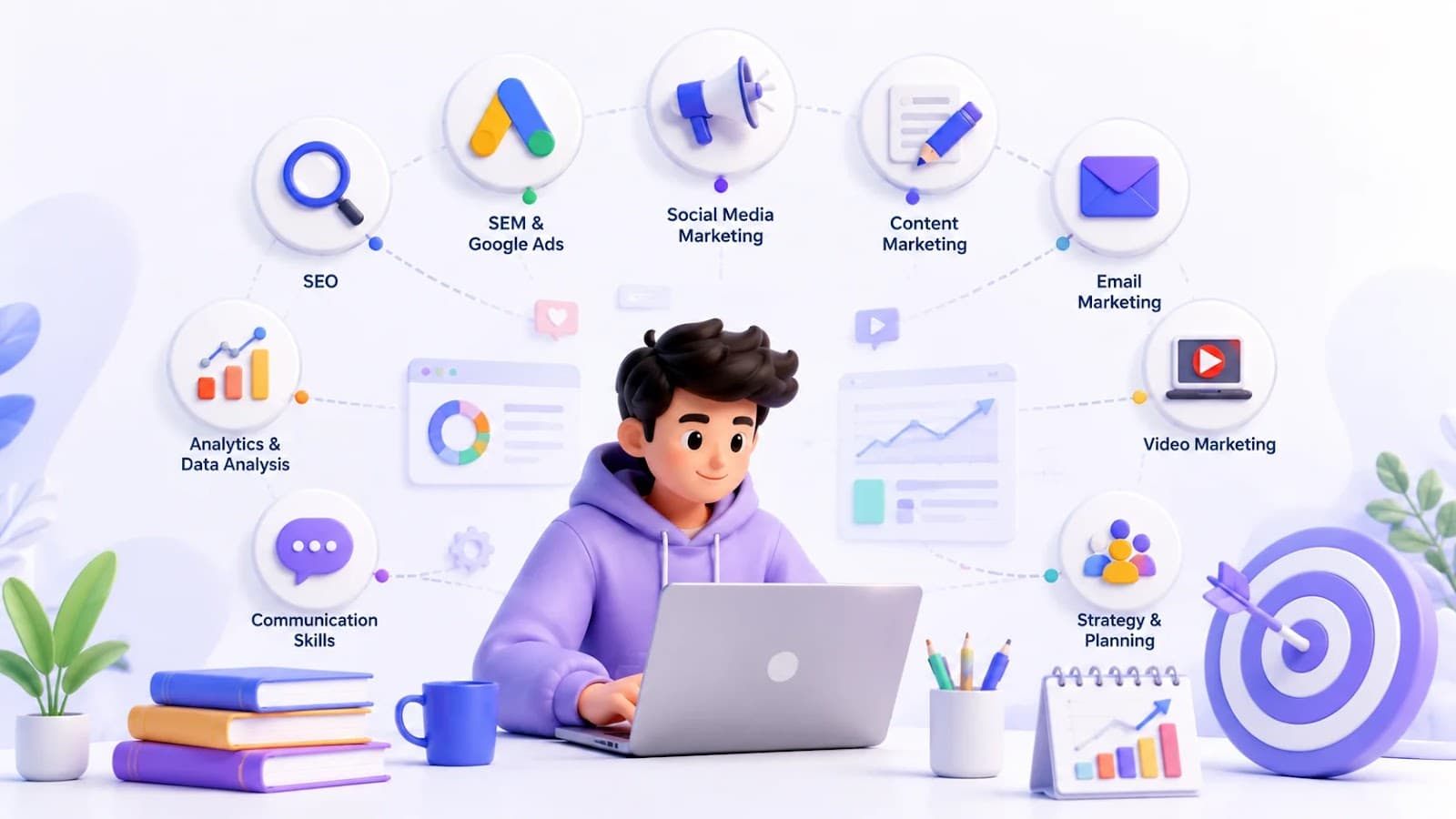
Explore the top 10 Digital Marketing Skills every student should master, from SEO and Google Ads to AI tools, to build a successful Marketing Skills portfolio and career.