
Loading
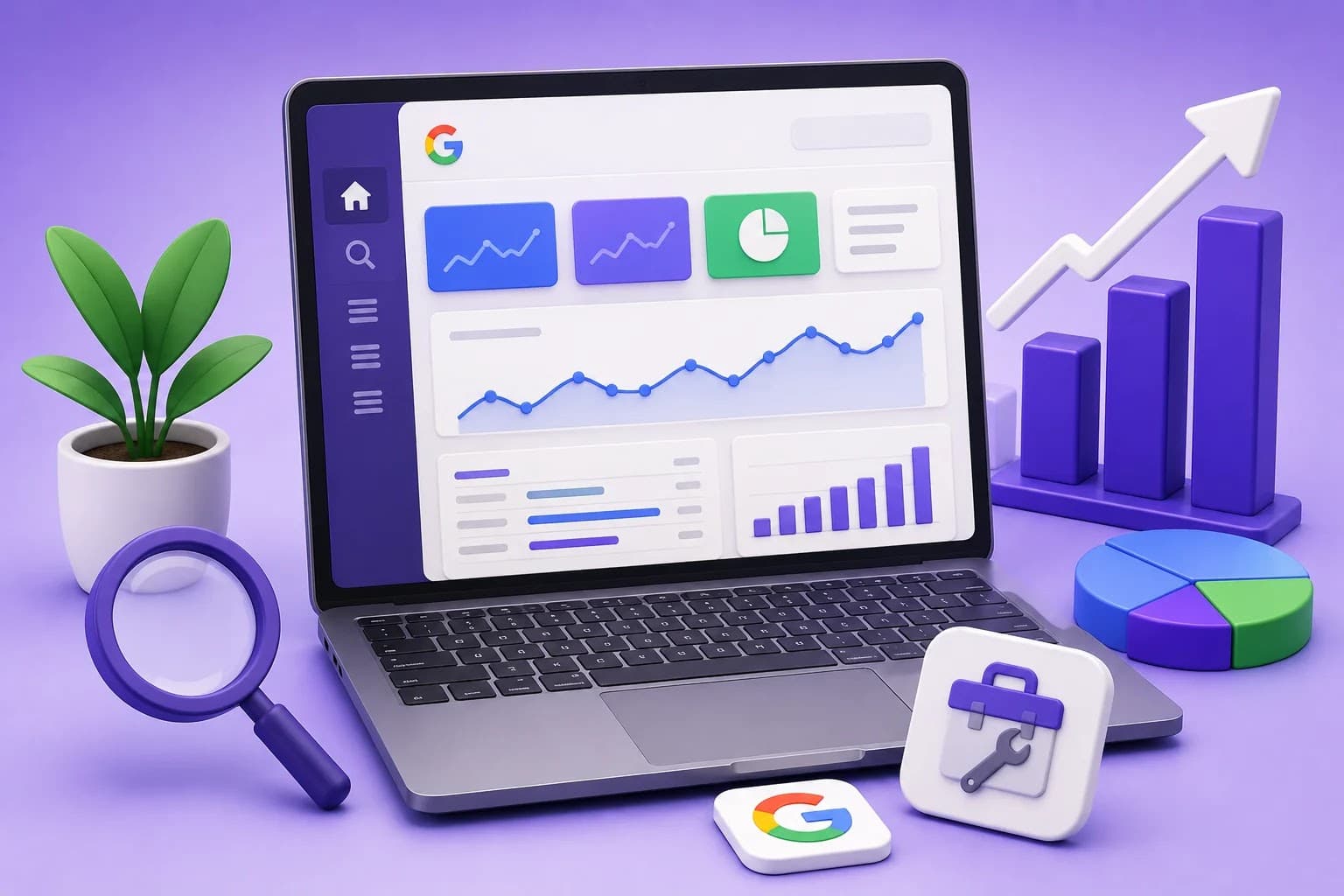 ← Back to blogs
Learn how to use Google Search Console to monitor SEO, submit sitemaps, fix indexing issues, track keyword rankings, and improve Google visibility.
If you own a website and want to improve its visibility on Google, Google Search Console (GSC) is one of the most important free tools you should use. It helps you understand how Google views your website, monitor your search performance, identify technical SEO issues, and improve your rankings.
Whether you're a blogger, business owner, digital marketer, or SEO beginner, learning Google Search Console is essential for growing your website through organic search.
In this guide, you'll learn what Google Search Console is, why it matters, how to set it up, and how to use its most important features.
Google Search Console is a free tool provided by Google that helps website owners monitor, maintain, and improve their website's presence in Google Search.
It provides valuable insights into:
Unlike Google Analytics, which tracks user behavior after visitors arrive on your website, Google Search Console focuses on how your website performs in Google Search before users click on it.
Google Search Console helps you:
Without Google Search Console, it becomes difficult to understand why your pages are or aren't ranking.
Some of the biggest benefits include:
Follow these simple steps:
Visit Google Search Console using your Google account.
Choose one of the following property types:
Tracks your entire domain, including all subdomains and protocols.
Example:
Recommended for most websites.
Tracks only the specific URL you add.
Example:
Google requires ownership verification.
Common verification methods include:
After verification, Google begins collecting website data.
The dashboard contains several important sections:
Let's explore each section.
The Overview page gives a quick summary of your website's health.
You'll see:
Think of this as your website's health dashboard.
The Performance report is one of the most valuable features.
It shows:
The number of users who clicked your website from Google Search.
Higher clicks generally mean better visibility.
The number of times your website appeared in Google Search results.
Even if users don't click, impressions indicate visibility.
CTR measures how often users click your website after seeing it.
Formula:
CTR = (Clicks ÷ Impressions) × 100
A higher CTR usually indicates compelling titles and meta descriptions.
Shows your average ranking position for keywords.
Examples:
Aim to improve rankings for keywords already appearing on the first two pages.
You can filter data by:
This helps you analyze performance from different perspectives.
The URL Inspection Tool lets you check the indexing status of any page.
It tells you:
This tool is especially useful after publishing new content.
When you publish a new page:
While indexing isn't immediate, this can speed up the process.
The Indexing section shows which pages Google has indexed and which pages have issues.
You'll see:
Regularly review this report to ensure important pages are indexed.
Some common reasons pages aren't indexed include:
Fixing these issues improves your website's visibility.
A sitemap helps Google discover your website's pages.
To submit a sitemap:
Example:
https://yourwebsite.com/sitemap.xml
This helps Google crawl your website more efficiently.
Google evaluates user experience through:
Improving these areas can positively influence search performance.
Core Web Vitals measure real-world user experience.
Google tracks:
Measures loading speed.
Recommended:
Less than 2.5 seconds
Measures responsiveness.
Recommended:
Less than 200 milliseconds
Measures visual stability.
Recommended:
Less than 0.1
Improving these metrics creates a faster and more user-friendly website.
Since Google uses mobile-first indexing, your website must work well on smartphones.
Google checks:
Fix any reported issues to improve mobile user experience.
The Links report shows:
Websites linking to yours.
These backlinks can improve your authority and rankings.
Links between pages on your own website.
Strong internal linking helps users navigate and helps Google understand your site's structure.
This section alerts you if Google detects:
If your website is healthy, you'll see no issues reported.
To get the most value from Google Search Console:
Consistency helps maintain strong SEO performance.
Avoid these common errors:
Regular monitoring prevents these issues from affecting your rankings.
Google Search Console | Google Analytics |
Tracks search performance | Tracks visitor behavior |
Shows keyword rankings | Shows user engagement |
Reports indexing issues | Reports traffic sources |
Helps improve SEO | Helps analyze conversions |
Focuses on Google Search | Focuses on website visitors |
Both tools work best when used together.
Yes. Google Search Console is completely free to use for all website owners.
Checking your account at least once a week is recommended to monitor performance and identify issues early.
Performance data typically appears within 24–48 hours after Google starts collecting information.
Google Search Console doesn't directly improve rankings, but it helps you identify issues and opportunities that can lead to better SEO performance.
Yes. Google Search Console focuses on search performance, while Google Analytics provides insights into user behavior after visitors reach your website. Using both gives you a complete picture.
Google Search Console is one of the most valuable SEO tools available. It provides direct insights from Google, helping you understand how your website performs in search results and what improvements are needed.
By regularly monitoring keyword performance, fixing indexing issues, submitting sitemaps, optimizing Core Web Vitals, and analyzing search data, you can build a stronger SEO strategy and increase organic traffic over time.
If you're serious about growing your website through search engines, Google Search Console should be an essential part of your SEO workflow.
SEO Title: How to Use Google Search Console: A Complete Beginner's Guide (2026)
Meta Description (156 characters):
Learn how to use Google Search Console to monitor SEO, submit sitemaps, fix indexing issues, track keyword rankings, and improve Google visibility.
Focus Keyword: Google Search Console
Secondary Keyword: Google Search Console Guide
Suggested Image Alt Text:
How to Use Google Search Console Complete Beginner Guide 2026
Recommended Word Count: 2,500–3,000 words. This article serves as an excellent cornerstone guide and can internally link to related content such as Technical SEO, XML Sitemaps, Robots.txt, Keyword Research, Core Web Vitals, and Google Analytics 4.

Learn what Digital Marketing is, its types, benefits, career opportunities, AI trends, and why it's one of the most in-demand skills for students and professionals in 2026.

Discover the benefits of learning Digital Marketing after college, explore career opportunities, essential skills, freelancing, and how to build a successful Digital Marketing Career.
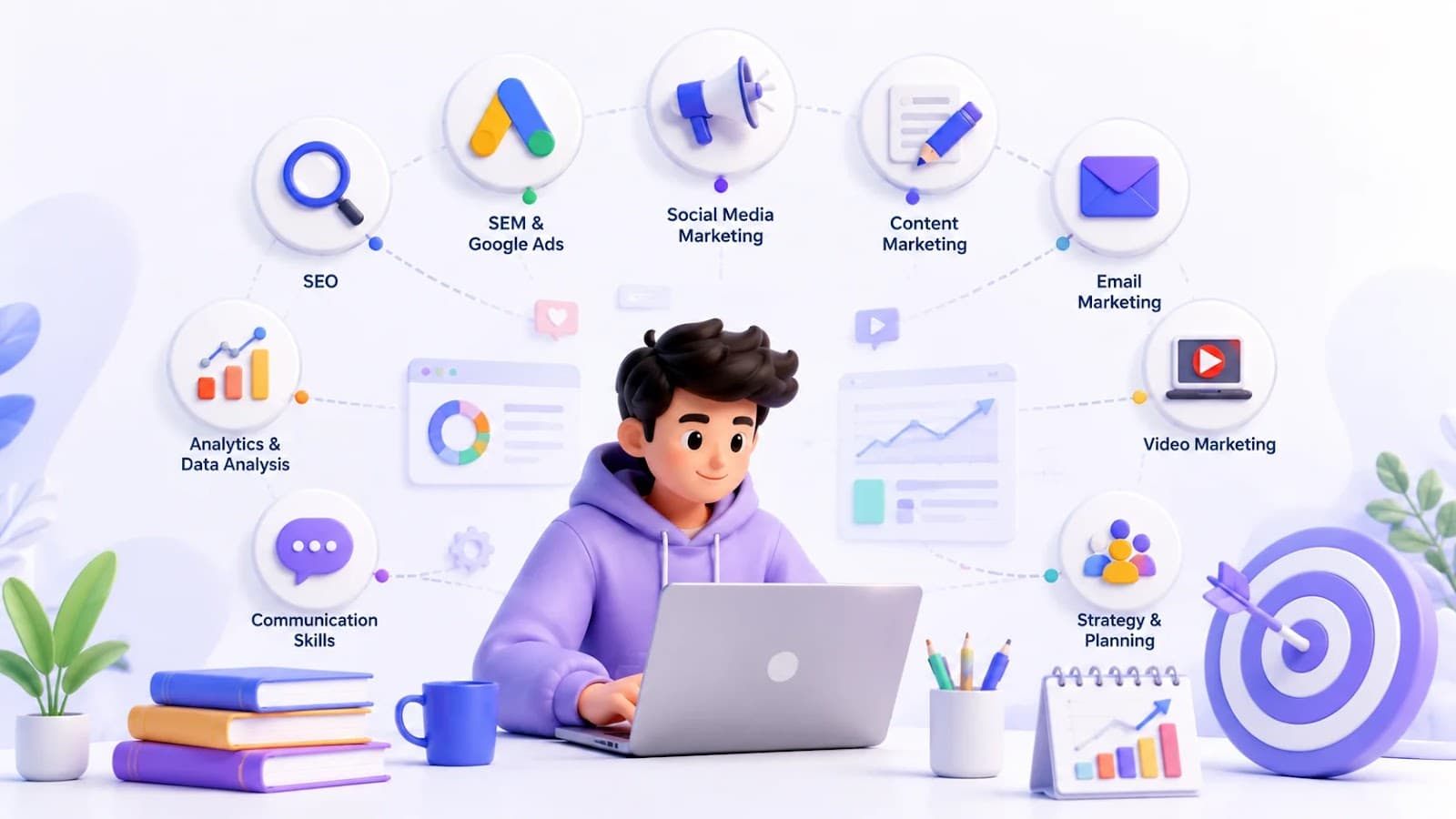
Explore the top 10 Digital Marketing Skills every student should master, from SEO and Google Ads to AI tools, to build a successful Marketing Skills portfolio and career.