
Loading
 ← Back to blogs
Learn Google Analytics reports, including Acquisition, Engagement, Monetization, User Attributes, and Tech reports, plus key metrics and analysis tips.
Google Analytics 4 (GA4) collects a large amount of information about how people interact with your website. But collecting data is only the beginning.
The real value comes from understanding Google Analytics reports and using them to answer important marketing questions.
For example:
GA4 provides different reports to help answer these questions.
In this beginner-friendly guide, you'll learn about the main Google Analytics reports, what each report means, which metrics to monitor, and how marketers can use reports to make better decisions.
Google Analytics reports are organized views of the data collected from your website or app.
They help you understand:
GA4 organizes its standard reports into different collections and topics.
Reports help you turn raw website data into useful insights.
For example, suppose your website receives 10,000 visitors.
That number alone doesn't tell you whether your marketing is successful.
A report can help you discover:
These insights can help you improve your marketing strategy.
In GA4, the Reports area generally contains several important collections.
Common areas include:
The exact reports available can vary depending on your property configuration and changes Google makes to the Analytics interface.
Acquisition reports help you understand how users arrive at your website or app.
They are especially useful for digital marketers.
You can analyze traffic from sources such as:
The User Acquisition report focuses on how users were acquired.
It can help answer:
Which marketing channels are bringing new users to my website?
Useful dimensions can include:
This is useful for understanding where your audience originally came from.
The Traffic Acquisition report focuses on the source of traffic associated with sessions.
It helps answer:
Which channels are currently driving visits to my website?
You can analyze:
This makes Traffic Acquisition especially useful for campaign analysis.
These two reports can look similar but answer different questions.
User Acquisition | Traffic Acquisition |
Focuses on how users were first acquired | Focuses on traffic/session acquisition |
Useful for understanding new-user sources | Useful for understanding current traffic sources |
Uses first-user attribution dimensions | Uses session-based traffic dimensions |
Understanding this difference helps prevent incorrect marketing conclusions.
Engagement reports help you understand what visitors do after arriving on your website.
They include information about:
These reports are useful for content marketers, SEO professionals, and website owners.
The Events report shows interactions recorded by GA4.
Examples include:
Custom events can also be configured for business-specific actions.
Events help you understand user behavior beyond simply counting visitors.
For example:
A visitor may:
Each meaningful interaction can provide useful information about the customer journey.
For websites, this report helps you understand how individual pages perform.
You can identify:
For a content website, this can help identify your most valuable articles.
The Landing Page report helps you understand which pages users enter your website through.
This is particularly useful for:
For example, if a blog article receives significant organic traffic but generates very few key events, you may want to improve its calls-to-action or internal links.
A strong landing page should:
GA4 can help you identify which landing pages deserve optimization.
Monetization reports are particularly useful for eCommerce and businesses that generate measurable online revenue.
They can provide insights into:
For correctly implemented eCommerce tracking, you can analyze:
This helps online stores understand product performance.
Suppose an eCommerce website receives:
50,000 visitors
But only a small percentage purchase.
Monetization reports can help you investigate:
This allows businesses to focus on profitable activities.
User Attributes reports provide information about the characteristics of your audience, subject to Google's measurement, privacy, and available-data limitations.
Depending on your configuration, available information can include:
These reports can help marketers understand who is interacting with their websites.
Location information can help businesses understand where users are located.
For example:
A training academy may discover that a significant portion of website traffic comes from:
This information can influence regional marketing campaigns.
Technology reports provide information about the devices and technologies visitors use.
You can analyze:
Common categories include:
This information is extremely useful for website optimization.
For example, if most visitors use mobile devices but mobile users have poor engagement, your website may need better mobile optimization.
These reports can help identify technical issues.
For example, if users on a particular browser experience unusually low engagement or key-event rates, your development team can investigate.
Understanding reports requires knowing the most important metrics.
The number of users measured by GA4 according to your reporting configuration.
Periods of user activity on your website or app.
Sessions that meet GA4's criteria for engagement.
The percentage of sessions that were engaged sessions.
Recorded interactions performed by users.
Important events that you've identified as meaningful to your business.
Revenue attributed to tracked activity where appropriate monetization data has been implemented.
SEO professionals can use GA4 reports to understand what happens after users arrive from search engines.
Useful reports include:
For example:
Google Search → Blog Article → Course Page → Registration
GA4 can help you understand this journey.
For search performance itself, combine GA4 with Google Search Console.
GA4 reports can also help analyze paid advertising traffic.
You can investigate:
This helps marketers understand whether advertising traffic is producing meaningful business results.
Content marketers can use reports to identify:
For example, if one blog consistently attracts organic visitors and generates course registrations, you may want to create more content around that topic.
For a lead-generation website, useful reports can focus on:
This helps identify which channels and pages generate valuable inquiries.
eCommerce marketers should pay particular attention to:
These reports help connect traffic with actual business outcomes.
Don't simply look at the largest number.
Use this process:
Example:
Which marketing channel generates the most leads?
Use a traffic acquisition or relevant campaign report.
Compare channels or campaigns.
Look at:
Compare:
Use the findings to improve your marketing strategy.
One of the biggest analytics mistakes is assuming more traffic automatically means better marketing.
For example:
10,000 visitors
20 leads
2,000 visitors
100 leads
Campaign B may be more valuable even though it generates less traffic.
Always connect traffic metrics to meaningful business outcomes.
GA4 allows you to compare performance across different periods.
For example:
Comparisons help identify trends rather than relying on a single snapshot.
GA4 allows you to customize the reporting experience depending on your needs and available features.
Businesses can create collections and reports around areas such as:
Custom reporting can make important information easier for your team to access.
Before analyzing a report, ask:
✔ What question am I trying to answer?
✔ Which report contains the relevant information?
✔ Am I using the right dimension?
✔ Which metrics matter for my goal?
✔ Am I comparing the right time periods?
✔ Are conversions or key events configured correctly?
✔ Is the data collection working correctly?
✔ What action should I take based on the data?
More data doesn't automatically mean better insights.
Focus on metrics connected to your goals.
Traffic is important, but users alone don't tell you whether your marketing generates business results.
Without understanding where traffic comes from, it is difficult to optimize marketing channels.
Landing pages can strongly influence engagement and conversions.
A number has more meaning when you understand how it changes over time.
Avoid drawing strong conclusions from very limited traffic or conversion data.
Learn:
Learn:
Explore:
Google Analytics reports are organized views of website or app data that help you understand users, traffic sources, engagement, events, key events, technology, and revenue.
Start with Acquisition and Engagement reports. They help you understand where visitors come from and what they do on your website.
User Acquisition focuses on how users were first acquired, while Traffic Acquisition focuses on the source of traffic associated with sessions.
Traffic Acquisition, Landing Pages, and Pages and Screens can help analyze what happens after visitors arrive. Use Google Search Console alongside GA4 for search-performance data.
Acquisition, Engagement, and Monetization reports are particularly useful for understanding traffic, user behavior, purchases, and revenue.
Google Analytics reports help transform website data into useful marketing insights. Instead of simply looking at how many visitors your website receives, you can understand where those visitors come from, what they do, which pages they interact with, and which actions contribute to your business goals.
For beginners, start with Acquisition and Engagement reports. Once you're comfortable with those, move into Monetization, User Attributes, Technology, custom reporting, and advanced analysis.
The most important lesson is simple: don't analyze data just because it's available. Start with a business question, find the right report, understand the data, and take action.

Learn what Digital Marketing is, its types, benefits, career opportunities, AI trends, and why it's one of the most in-demand skills for students and professionals in 2026.

Discover the benefits of learning Digital Marketing after college, explore career opportunities, essential skills, freelancing, and how to build a successful Digital Marketing Career.
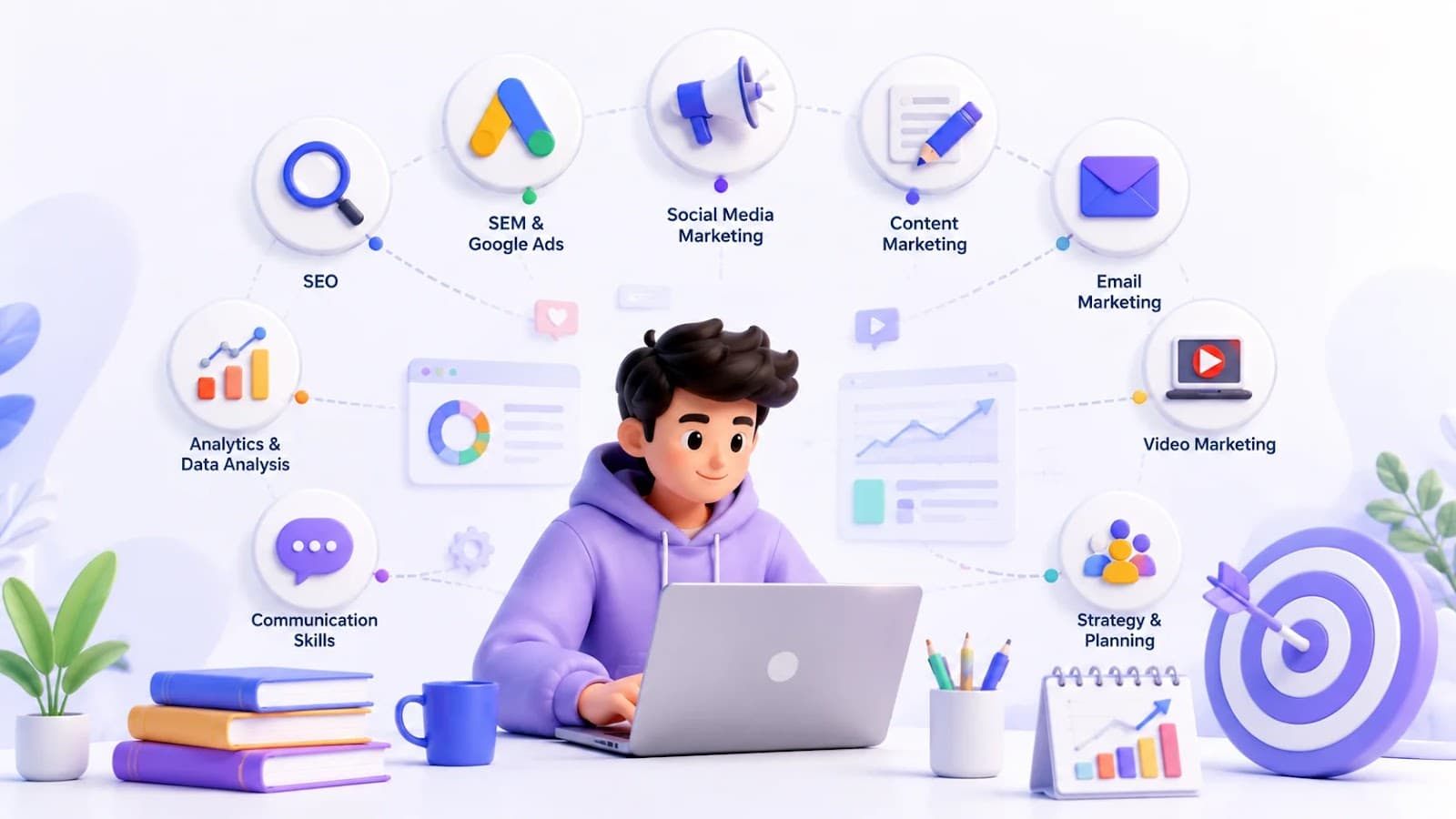
Explore the top 10 Digital Marketing Skills every student should master, from SEO and Google Ads to AI tools, to build a successful Marketing Skills portfolio and career.