
Loading
 ← Back to blogs
Learn Google Analytics 4 from scratch. Understand GA4 events, users, sessions, traffic sources, key events, reports, UTM tracking, and analytics basics.
Understanding what visitors do on your website is essential for successful digital marketing. You need to know where your visitors come from, which pages they view, what actions they take, and whether your marketing campaigns are generating results.
Google Analytics 4 (GA4) helps businesses, marketers, students, and website owners understand user behavior across websites and apps.
Unlike traditional analytics systems that primarily focused on sessions and pageviews, GA4 uses an event-based measurement model. This allows you to measure individual interactions such as page views, clicks, purchases, form submissions, and other important actions.
In this beginner-friendly guide, you'll learn what Google Analytics 4 is, how it works, important metrics, reports, events, conversions, traffic sources, and how beginners can use GA4 for digital marketing.
Google Analytics 4, commonly called GA4, is Google's analytics platform for measuring user interactions across websites and applications.
It helps you understand:
GA4 can provide insights that help marketers make better data-driven decisions.
GA4 is useful because it helps answer important marketing questions.
For example:
Without analytics, it can be difficult to understand whether your digital marketing efforts are working.
GA4 uses an event-based measurement model.
An event represents an interaction performed by a user.
Examples include:
Instead of treating every interaction simply as part of a session, GA4 collects information about individual events and their associated parameters.
An event records an interaction on your website or app.
For example:
A visitor opens a product page.
GA4 may record an event such as:
page_view
A visitor downloads a PDF.
GA4 may record:
file_download
A visitor purchases a product.
GA4 can record:
purchase
Events allow you to understand what users are actually doing.
GA4 can automatically collect certain events depending on your implementation and settings.
Examples include:
Some events can also be collected through enhanced measurement.
Enhanced Measurement can automatically measure certain website interactions without requiring you to manually create each event.
Depending on configuration, examples can include:
This can be especially useful for beginners because it provides additional data with relatively little setup.
Sometimes the standard events don't fully describe the interaction you want to measure.
You can create custom events for specific business actions.
Examples:
Custom events allow businesses to track interactions that are unique to their websites or applications.
Event parameters provide additional information about an event.
For example, a purchase event could contain information such as:
Parameters add context to events and make analytics data more useful.
A user represents an individual interacting with your website or app according to GA4's measurement and identity settings.
User-related information helps you understand:
User counts can vary depending on the reporting identity and measurement configuration.
A session represents a period of user activity.
Sessions help you understand how visits occur over time.
For example:
A visitor comes to your website, browses several pages, and interacts with your content.
GA4 groups those interactions into a session.
A page_view event is recorded when a page is viewed.
Page views help identify:
This information can help you decide which content deserves further optimization.
GA4 focuses heavily on user engagement.
Useful engagement-related measurements include:
These metrics can provide more context than simply counting visits.
Engagement Rate represents the percentage of sessions that were engaged sessions.
An engaged session is generally one that meets Google's criteria, such as lasting longer than 10 seconds, having a key event, or involving multiple page or screen views.
A higher engagement rate can indicate that visitors are meaningfully interacting with your website, although the appropriate benchmark depends on the type of website and traffic.
Average Engagement Time helps indicate how long users actively engaged with your website or app.
It can help answer questions such as:
One of the most useful features of GA4 is understanding where your traffic comes from.
Common traffic sources include:
This allows marketers to compare the performance of different channels.
The medium describes the general type of traffic source.
Examples include:
Understanding source and medium helps you analyze where users are coming from.
You can use UTM parameters to provide additional information about marketing campaigns.
Common UTM parameters include:
Example:
A marketing team promotes a course through an email campaign.
They can use campaign parameters to identify traffic generated by that specific campaign.
GA4 allows you to identify important events as key events for reporting and measurement.
Examples include:
For advertising and optimization, these important actions can also be used as conversion signals when configured appropriately with linked advertising platforms.
GA4 provides different reporting areas to help analyze website activity.
Important areas include:
The exact reports available can vary based on your property configuration and Google updates.
Acquisition reports help you understand how users arrive at your website.
You can analyze:
This is particularly useful for digital marketers.
Engagement reports help you understand what visitors do after arriving.
You can analyze:
This helps identify your most valuable content and user interactions.
For eCommerce websites, monetization reports can provide insights into:
This helps businesses understand which products and activities generate revenue.
SEO professionals can use GA4 to understand organic traffic performance.
For example, you can analyze:
GA4 tells you what users do after arriving, while Google Search Console provides important information about search performance.
Using both tools together can provide a more complete picture.
GA4 can be connected with Google Ads to help marketers understand the relationship between advertising traffic and website activity.
You can use analytics data to analyze:
Make sure your Google Ads and GA4 configurations are correctly linked and that conversion definitions are consistent.
For a lead-generation website, useful actions to measure may include:
Tracking these actions helps you determine which marketing channels generate valuable leads.
eCommerce businesses can use GA4 to measure:
Proper eCommerce event implementation is important for accurate reporting.
UTM parameters are particularly useful when promoting links through:
For example:
Source: Instagram
Medium: Social
Campaign: Summer Course Promotion
This makes it easier to understand where campaign traffic originated.
Start by learning these metrics:
Metric | What It Tells You |
Users | Number of users |
New Users | Users who are new according to GA4's measurement |
Sessions | User visit periods |
Engagement Rate | Percentage of engaged sessions |
Average Engagement Time | Average active engagement |
Events | User interactions |
Key Events | Important business actions |
Revenue | Revenue attributed to tracked activity |
Don't focus on every available metric at once. Start with the measurements that relate directly to your business goals.
A basic setup involves:
Sign in and create an Analytics account if you don't already have one.
Create a GA4 property for your website or app.
For a website, create a web data stream.
Add the Google tag to your website, either directly or through Google Tag Manager.
Open your website and check whether data is being received.
Identify the interactions that matter to your business.
Identify important business outcomes for reporting and analysis.
Good measurement starts with a clear measurement plan.
Beginners often make these mistakes:
A tracking tag can be installed incorrectly.
Always verify that data is being collected.
More data doesn't automatically mean better insights.
Track actions that matter to your business.
Without consistent campaign tagging, marketing attribution can become harder to interpret.
If important actions aren't configured correctly, measuring marketing performance becomes difficult.
Don't judge campaign success using only traffic, engagement, or another single metric.
Look at the complete customer journey.
Learn:
Learn:
Learn:
Explore:
✔ Create a GA4 property
✔ Add a web data stream
✔ Install the Google tag
✔ Verify data collection
✔ Understand events
✔ Configure important events
✔ Learn traffic sources
✔ Use UTM parameters
✔ Analyze landing pages
✔ Connect Google Ads when required
✔ Review reports regularly
✔ Protect user privacy
Google Analytics 4 is Google's analytics platform for measuring user interactions across websites and apps.
Google Analytics offers a free version with extensive analytics capabilities. Google also offers an enterprise version with additional features for larger organizations.
GA4 uses an event-based measurement model and is designed for both websites and apps. Universal Analytics used a different measurement and reporting model and has been replaced by GA4 for standard Google Analytics properties.
An event represents an interaction or occurrence, such as a page view, click, purchase, or form submission.
Key events are important interactions that you identify as meaningful to your business, such as purchases, registrations, or lead submissions.
GA4 is not required to perform SEO, but it provides valuable information about what users do after arriving at your website. It can complement tools such as Google Search Console.
Google Analytics 4 is an essential tool for anyone who wants to understand website performance and user behavior. Instead of relying on assumptions, marketers can use analytics data to understand where visitors come from, what they do, and which actions contribute to business goals.
For beginners, don't try to learn every GA4 feature at once. Start with users, sessions, events, engagement, traffic sources, and key events. Once you understand these fundamentals, move toward campaign analysis, Google Ads integration, UTM tracking, funnels, and advanced reporting.
The goal of analytics isn't simply to collect more data. The goal is to turn data into better marketing decisions.

Learn what Digital Marketing is, its types, benefits, career opportunities, AI trends, and why it's one of the most in-demand skills for students and professionals in 2026.

Discover the benefits of learning Digital Marketing after college, explore career opportunities, essential skills, freelancing, and how to build a successful Digital Marketing Career.
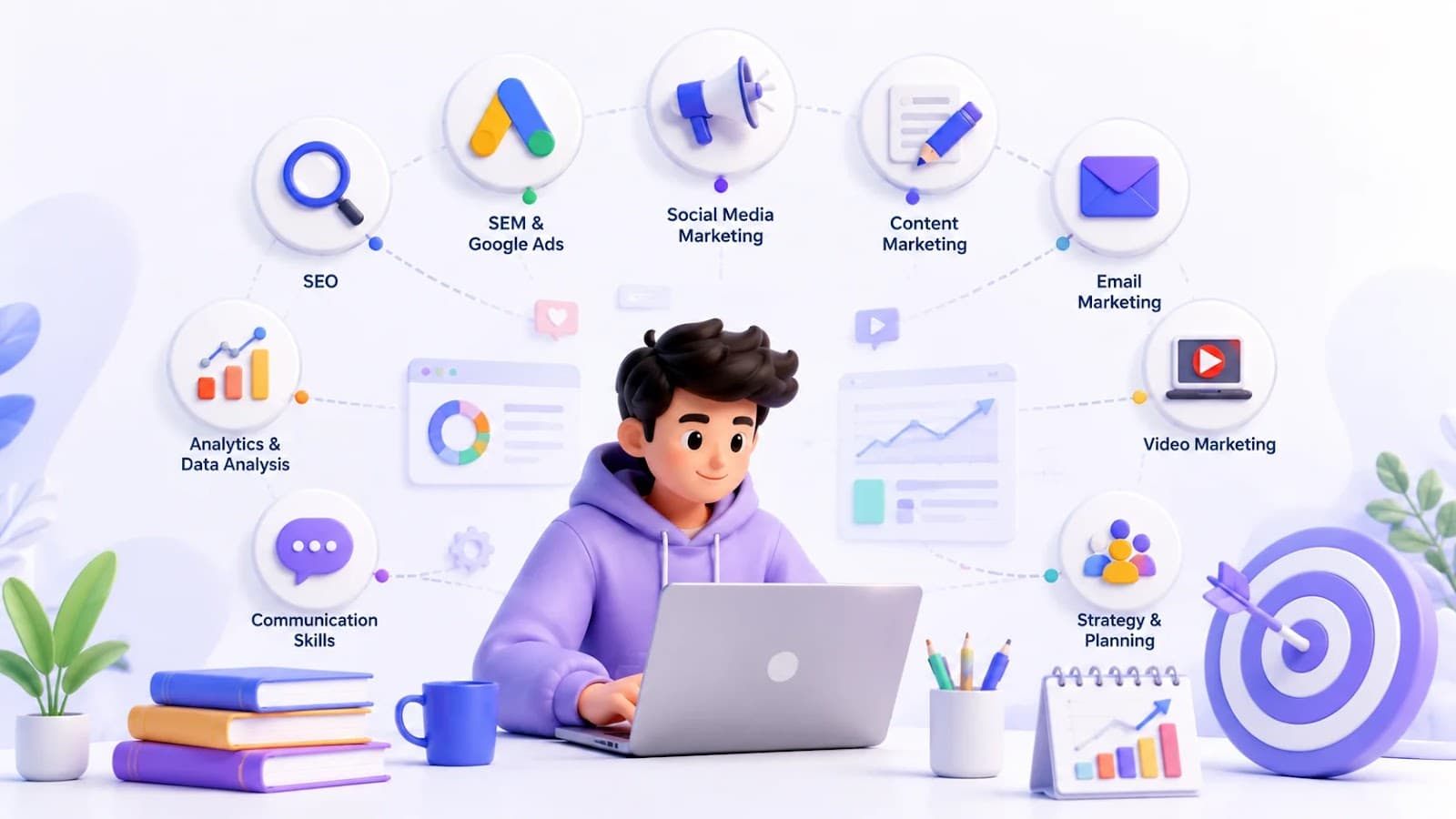
Explore the top 10 Digital Marketing Skills every student should master, from SEO and Google Ads to AI tools, to build a successful Marketing Skills portfolio and career.